What Is an IP Address? A Beginner's Guide to Internet Addresses (2026)
Learn what an IP address is, how IPv4 and IPv6 differ, and how public and private addresses help every device communicate online.
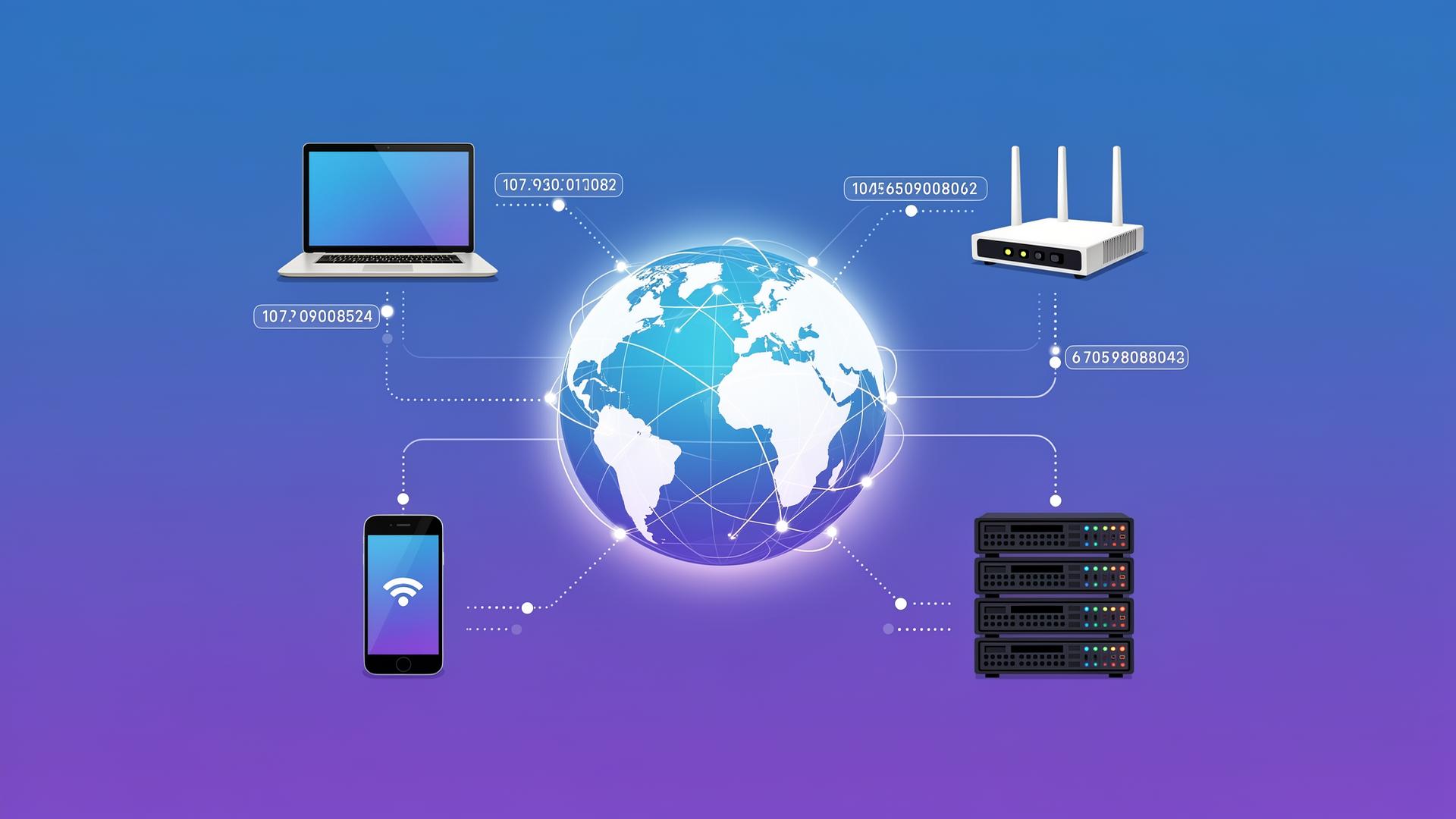
When you open a website, stream a film, or send a message, data has to travel between your device and another computer. That journey may cross several networks and thousands of miles. An IP address gives the network enough information to deliver each piece of data to the right destination.
IP addresses are a basic part of how the internet works, yet they are easy to misunderstand. They are not secret codes, permanent identity cards, or precise GPS coordinates. They are practical network addresses. This guide explains them without assuming any technical background.
What Is an IP Address?
IP stands for Internet Protocol, the shared set of rules devices use to send data across networks. An IP address is the label assigned to a network connection under those rules. A familiar IPv4 address looks like 192.0.2.15, while a newer IPv6 address can look like 2001:db8::25.
Think of an online order. A warehouse needs your delivery address, and you need the warehouse's address when returning something. Internet communication follows a similar two-way pattern. A data packet carries a source IP and a destination IP so routers know where it came from and where it should go.
An address usually identifies a network interface rather than a person. A laptop can have one address on home Wi-Fi and another on a mobile hotspot. Switch networks, and the relevant address may change.
Why Every Device Needs an IP Address
Networks need a reliable way to distinguish destinations. Without addresses, your router would receive a reply but would not know whether to send it to your phone, laptop, television, or game console. Addresses make that sorting possible.
Not every connected gadget needs its own public address. In most homes, the router presents one public IP to the internet and gives each device a private IP inside the home. The router keeps track of each conversation and forwards replies to the correct device. This translation is called Network Address Translation, or NAT.
How IP Addresses Work
Suppose you request a page from a website. The process looks roughly like this:
- Your device learns the website server's IP address.
- It divides the request into small units called packets.
- Each packet includes source and destination IP information.
- Your router sends the packets to your internet provider.
- Other routers inspect the destination and move each packet toward the server.
- The server replies to your public IP, and your router delivers the response to your device.
Packets can take different routes and still arrive together. Higher-level protocols put them in order and request replacements if any are lost. This layered design lets the internet keep working even when one path is busy or unavailable.
Public IP vs Private IP
A public IP address is reachable across the internet and is normally assigned to your router by an internet service provider. Websites see this address when your household connects to them. It must be unique on the public internet while it is in use.
A private IP address works only inside a local network. Common IPv4 private ranges begin with 10., 172.16 through 172.31, or 192.168.. Millions of homes can use 192.168.1.10 because each copy exists behind a different router and is never routed directly online.
This separation conserves public addresses and adds a useful boundary. An outside computer cannot start a direct conversation with most private devices unless the router has been deliberately configured to allow it.
IPv4 Explained
Internet Protocol version 4 has been used since the early internet. An IPv4 address contains 32 binary digits, usually displayed as four numbers from 0 to 255 separated by dots. For example, 203.0.113.42 is much easier to read than the same value written as 32 zeros and ones.
Thirty-two bits allow about 4.3 billion combinations. That once seemed enormous, but the world now has far more connected phones, computers, sensors, and servers. Reserved ranges, inefficient early allocations, and rapid growth created an IPv4 shortage. NAT and address reuse extended its life, but they did not create more end-to-end public addresses.
IPv6 Explained
IPv6 was designed to solve the address shortage. It uses 128 bits and hexadecimal characters, producing addresses such as 2001:db8:85a3::8a2e:370:7334. Repeated groups of zeros can be shortened with a double colon, which is why the written length varies.
The address space is extraordinarily large: roughly 340 undecillion possible values. That is enough to assign vast blocks efficiently without relying on the same level of address sharing. IPv6 also supports streamlined routing, automatic address configuration, and features suited to modern networks.
Adoption is gradual because providers, routers, operating systems, and websites all need compatible equipment. Most current devices support IPv6, and many networks run IPv4 and IPv6 together in a setup called dual stack.
IPv4 vs IPv6
- Size: IPv4 is 32-bit; IPv6 is 128-bit.
- Format: IPv4 uses dotted decimal numbers; IPv6 uses hexadecimal groups.
- Capacity: IPv4 has about 4.3 billion addresses; IPv6 has an effectively vast supply.
- Network design: IPv4 commonly depends on NAT; IPv6 can give devices globally unique addresses more easily.
- Use today: Both remain active, often on the same device and network.
IPv6 is not simply a faster version of IPv4. Connection speed depends more on your provider, route, server, and network conditions. IPv6 can make some routes or setups cleaner, but its central benefit is scalable addressing.
Static IP vs Dynamic IP
A dynamic IP is assigned automatically for a period called a lease. Home internet providers use dynamic addresses because they are efficient and require little manual administration. Your current address may remain unchanged for months, but the provider is free to replace it.
A static IP stays fixed. Businesses may use one for a mail server, remote-access gateway, security allowlist, or other service that must be found at a predictable address. Static addresses often cost extra and need careful security. Most people browsing, gaming, and streaming do not need one.
How Websites Use IP Addresses
A website consists of files and services delivered from computers connected to the internet. A company providing web hosting places those resources on servers with reachable IP addresses.
One server can host many websites at the same IP. The browser sends the requested hostname along with its web request, allowing the server to choose the right site. Large sites may use many IP addresses across global data centers or a content delivery network. Visitors are directed to a nearby, healthy location for faster and more reliable service.
How DNS and IP Addresses Work Together
People prefer memorable names; networks need numeric addresses. A domain name gives a site its readable identity, while DNS translates that name into an IP address. Your browser can then contact the appropriate server.
DNS records can change without changing the name people type. If a site moves to a new host, its owner updates the relevant A record for IPv4 or AAAA record for IPv6. After cached answers expire, visitors begin using the new address. This separation makes websites portable and names stable.
How to Find Your IP Address
To see your public IP, search for “what is my IP” in a browser. The result may show both IPv4 and IPv6. Remember that this is usually your router's or provider's public address, not the private address assigned directly to your phone or laptop.
To find a private address:
- Windows: open Settings → Network & internet → Properties, or run
ipconfig. - macOS: open System Settings → Network and select the active connection.
- iPhone or iPad: open Settings → Wi-Fi and tap the information icon beside the network.
- Android: open Wi-Fi settings, select the connected network, and view its details.
Common Misconceptions About IP Addresses
“An IP address reveals my exact location.” Public databases can estimate a country, city, or provider, but results vary and may point to the provider's infrastructure rather than your home. Precise subscriber details are held by the provider and generally require appropriate legal process to obtain.
“My IP address belongs permanently to me.” Most residential addresses belong to providers and are temporarily assigned. A different customer may receive the same address later.
“Changing my IP makes me anonymous.” Sites can also recognize accounts, cookies, browser characteristics, and behavior. An IP is only one signal. Likewise, knowing another person's IP does not give automatic access to their device.
Internet Security and IP Addresses
Websites log IP addresses for operations, analytics, fraud prevention, and abuse control. A sudden flood of requests from one address might trigger a temporary block. Banks may flag a login from an unfamiliar country. These checks are useful but not perfect because families, offices, and mobile users can share addresses.
Protect your network by keeping router firmware updated, using a strong admin password, disabling services you do not need, and avoiding unnecessary port forwarding. A firewall should reject unexpected inbound connections. HTTPS protects the content of web traffic, although the destination may still be visible to parts of the network.
A VPN replaces the public IP websites see with the VPN server's address and encrypts traffic between your device and that service. This can improve privacy on untrusted networks, but it transfers trust to the VPN company and does not make you invisible.
Real-World Examples
At home: your router might use 192.168.1.1, give your laptop 192.168.1.20, and give your phone 192.168.1.21. Both devices appear to websites under the same public IP because the router translates their connections.
At a coffee shop: many customers share the café's public address. The Wi-Fi system keeps their private connections separate, while websites see requests arriving from one public network.
On mobile data: your phone can receive new addresses as it moves between network systems. Carriers often place many subscribers behind large-scale NAT, so a public IPv4 address may represent numerous customers at once.
Visiting a popular site: DNS may direct you to a nearby server IP. If that location fails, the company can direct later requests elsewhere without asking you to learn a new domain name.
Conclusion
An IP address is a network destination label. It helps routers deliver packets, lets devices receive replies, and connects human-friendly websites to the servers behind them. Public and private addresses handle different scopes, while dynamic and static addresses serve different operational needs.
IPv4 still powers much of today's internet, but its limited supply made IPv6 necessary. Understanding both makes DNS, hosting, routers, online privacy, and web security much easier to grasp. You do not need to memorize address ranges; the key is knowing that every online exchange needs a dependable way to find its destination.
Frequently Asked Questions
Keep reading
What Is DNS? The Internet's Phonebook Explained Simply
Learn how DNS translates website names into IP addresses and why it is one of the most important systems behind the modern internet.
What Is the Internet and How Does It Work? A Beginner's Guide (2026)
A clear, beginner-friendly guide to the internet. Learn how servers, IP addresses, DNS, Wi-Fi, routers, and browsers work together to load the websites you use every day.
What Is a Domain Name? Beginner Guide to Website Addresses
A simple explanation of domain names, how they work, why they matter, and how they connect human-friendly website names to real internet addresses.